KirbyCam: chase camera for CSP for Assetto Corsa
Slightly loose, dynamic exterior chase camera, one of the most downloaded mods for Assetto Corsa. Free; requires Custom Shaders Patch and Content Manager.
Download KirbyCam: chase camera for CSP
More screenshots on OverTake.gg (formerly RaceDepartment) ↗
What this mod does
KirbyCam is a chase camera script for Assetto Corsa that runs through Custom Shaders Patch. Its author, kirbyguy22, describes it as a slightly loose, dynamic camera, livelier than the original exterior camera. It has over 300,000 downloads on OverTake, one of the highest figures in its category.
What it offers
- Exterior camera that follows the car with some lag and movement.
- Optional dynamic field of view.
- Distance, height and pitch settings from Content Manager.
As a starting point, the author recommends a distance of 3.1 m, a height of 1 m and a pitch of 0, in Settings, Assetto Corsa, Chaser Camera. The base vertical field of view and the dynamic field of view behavior are adjusted in the camera.lua file.
Requirements
You need Custom Shaders Patch and Content Manager. The mod page doesn’t list a minimum version. The script is based on the base camera by x4fab, creator of CSP.
Keep in mind
It’s from 2021 and hasn’t been updated since; it’s rated 4.09 out of 5. Some users notice shaking at high speed or problems installing it with Content Manager. The same author later released DynaCam, an evolution with more effects.
User rating
Mod video
Highlights and things to keep in mind
- Livelier exterior camera than the original
- Only 4 KB
- Very easy to tweak
- No updates since 2021
- Shaking at high speed, according to some users
- Needs Content Manager and CSP
Requirements
- Assetto Corsa for PC
- Custom Shaders Patch
- Content Manager
- Free OverTake.gg account to download
How to install it
- Go to KirbyCam's page on OverTake.gg, log in and download the .zip (about 4 KB).
- Drag it into the Content Manager window, open the top menu and click Install.
- Or extract the extension folder into your Assetto Corsa folder.
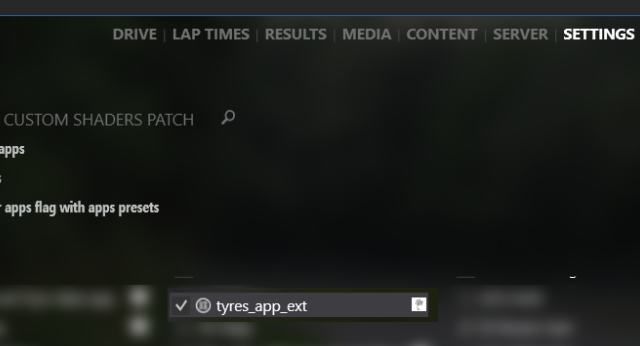
- In Content Manager, go to Settings, Custom Shaders Patch, Chaser Camera, enable the extension and choose KirbyCam as the script.
- Adjust distance, height and pitch in Settings, Assetto Corsa, Chaser Camera (the author uses 3.1 m, 1 m and 0).
Version history
-
1.0b-public21 Oct 2021Current
Fixed the camera getting stuck when pressing look back
-
1.016 Oct 2021
Release
Common problems
How do I enable the dynamic field of view?
Change local OPT_dynamicFOV = false to true in extension/lua/chaser-camera/kirbycam/camera.lua.
The camera doesn't show up after installing it
Check that the extension folder ended up in the game's root folder and that the Chaser Camera extension is enabled in the CSP settings.
Is it still being updated?
Not since 2021; the author later released DynaCam.
More mods for Assetto Corsa