PDash for Assetto Corsa
Fully skinnable on-screen dashboard: RPM, speed, lap times and tires in their own windows. Includes PSD files to create your own designs. Free.
Download PDash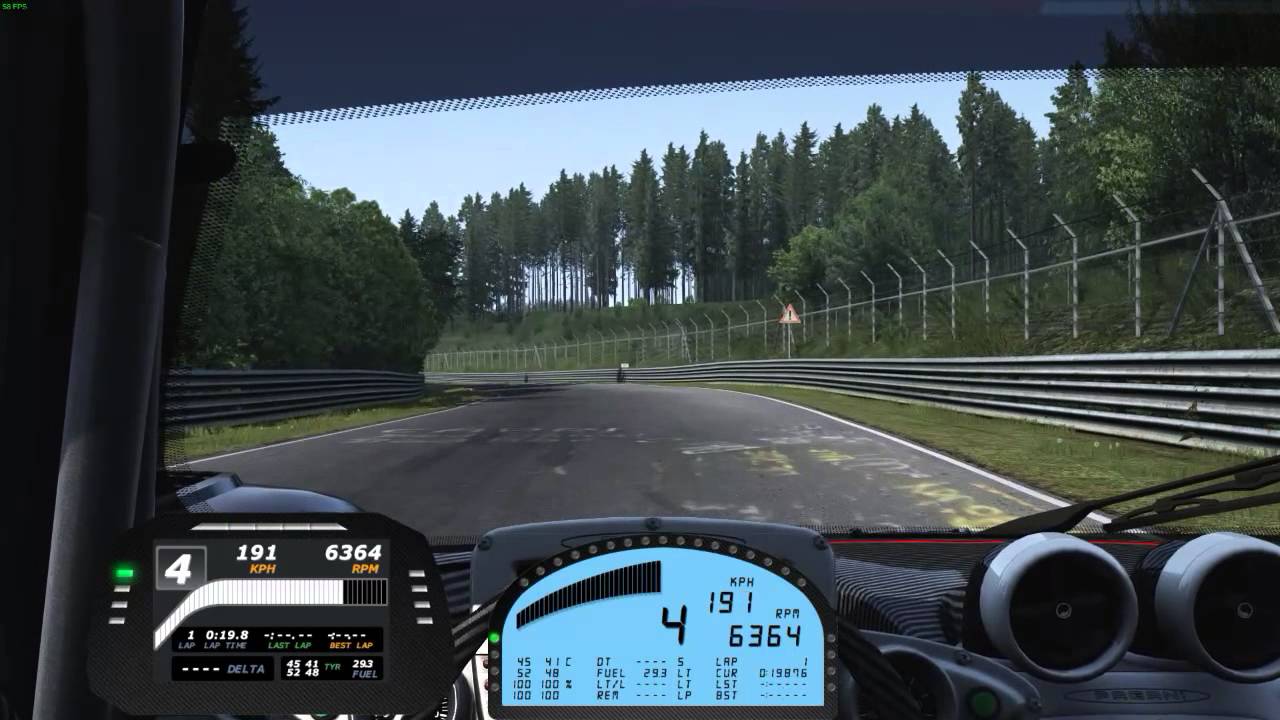
More screenshots on OverTake.gg (formerly RaceDepartment) ↗
What this mod does
PDash is a virtual dashboard for Assetto Corsa created by pandar1. What makes it special is that everything is defined through skins: each design decides which modules it shows, where they go, how big they are and what they look like. That’s why the community has released lots of its own designs on OverTake.gg.
What it lets you do
- Modules for RPM, speed, several lap times and tire info.
- Each dashboard opens in its own window, and you can have several at once.
- Windows and skins are defined in the cfg/master_config.ini file.
- The author includes PSD files so anyone can design their own skins.
Usage
If you want a different design for qualifying and the race, you have to duplicate and edit the skin, which creates two apps; then you switch between them from the in-game app bar. The latest updates added configuration parameters, fixed the pin icon, fixed a red flicker on the LEDs and added compatibility with version 1.3 of the game.
Keep in mind
The app hasn’t been updated since December 2015, and some modules the author had planned, like tire pressure, position or gaps to rivals, aren’t among the released ones. It’s a good option if you like customizing and designing your own HUD.
User rating
Mod video
Highlights and things to keep in mind
- Fully customizable dashboard
- PSD templates included for designing
- Several windows at once
- No updates since 2015
- Configuration is done by editing an .ini
- Some announced modules never arrived
Requirements
- Assetto Corsa for PC
- Python apps enabled
- An image editor that supports PSD if you want to create skins
- Free OverTake.gg account to download
How to install it
- Go to PDash's page on OverTake.gg and log in.
- Download the file (about 10 MB).
- Copy its contents into the main Assetto Corsa folder.
- Edit cfg/master_config.ini inside the app folder to choose windows and skins.
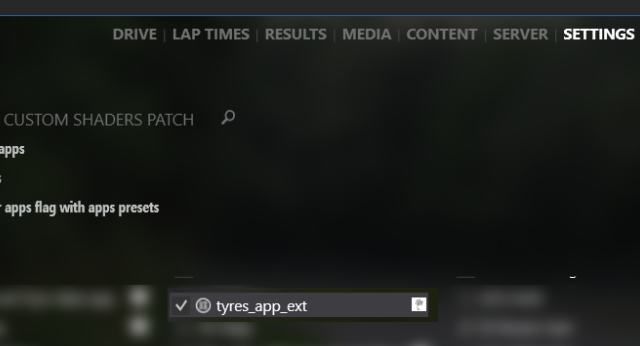
- Enable PDash in the game's or Content Manager's app settings.
- On track, open each dashboard from the sidebar.
Version history
-
1.5.418 Dec 2015Current
New configuration parameters and pin icon fix
-
Fixed the red flicker on the LEDs
-
Compatibility with Assetto Corsa 1.3
Common problems
Can I have one design for the race and another for qualifying?
Yes, by duplicating and editing the skin; each copy shows up as a separate app.
Where do I choose which skin is used?
In the app's cfg/master_config.ini file.
Are there more designs?
Yes, the community has released skins on OverTake.gg; check where each one comes from.
More mods for Assetto Corsa