PJ CoreLib for Hytale
Required shared base for all of PedriJoe's mods (PJ Money, Mob Events, PJ BloodMoon…). Includes the PJMods Bench. Version 1.2.0 for Hytale 0.6.
Download PJ CoreLib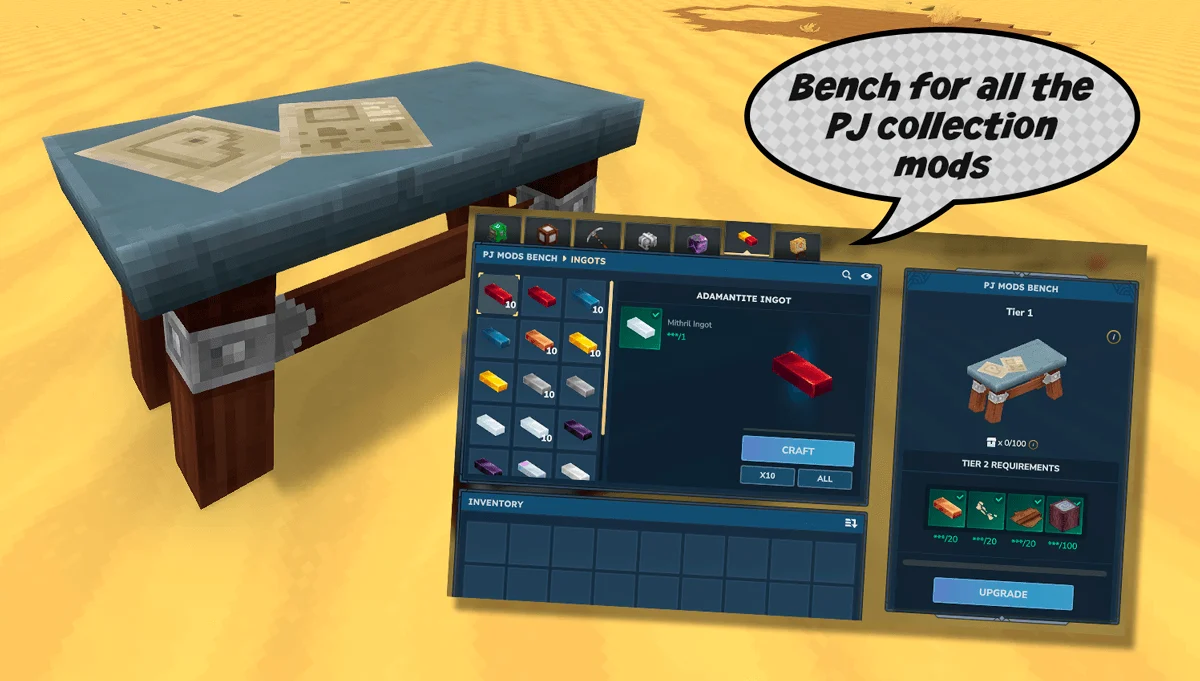
More screenshots on CurseForge ↗
What this mod does
PJ CoreLib is the shared base for PedriJoe’s (PJ) mods. It isn’t a gameplay mod on its own, but PJ mods list it as a required dependency and don’t work properly without it.
Which mods need it
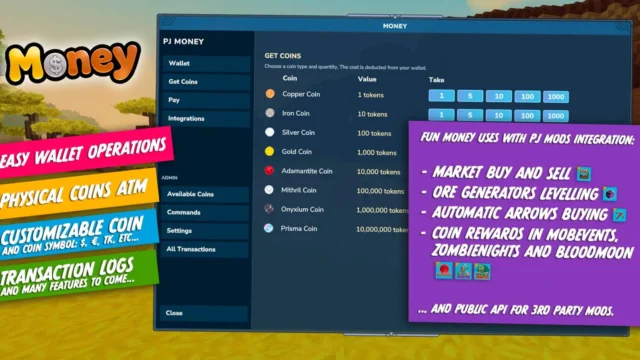
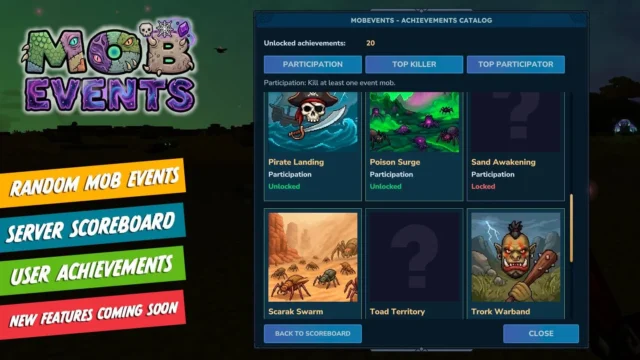
- With a page on Holymod: PJ Money and Mob Events.
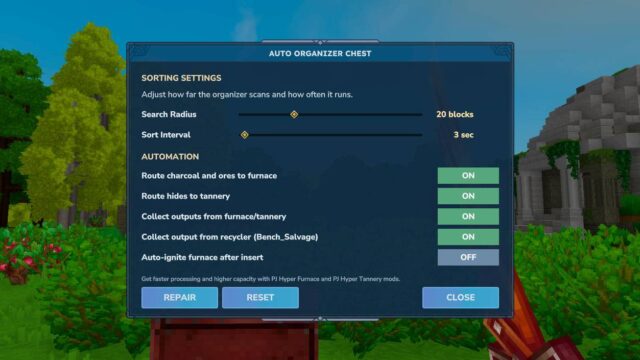
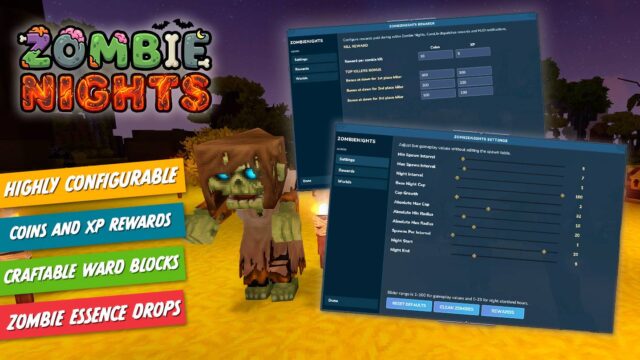
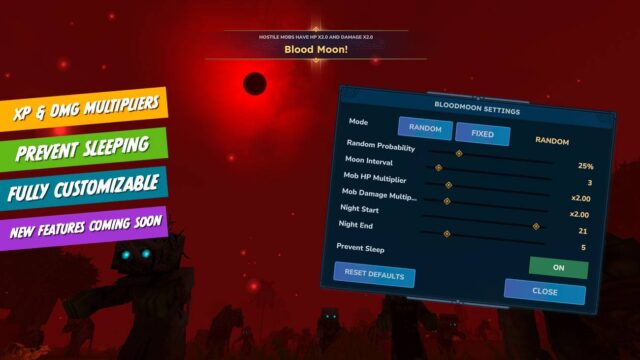
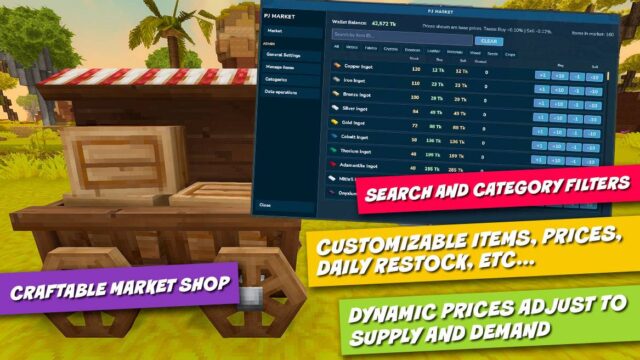
- Other PJ mods: PJ BloodMoon, Zombie Nights, Hyper Crossbows, Hyper Furnace, PJ Market, PJ Difficulty, Champions, Generators, Auto Sort – Organizer chest and more, over twenty in total.
What it adds
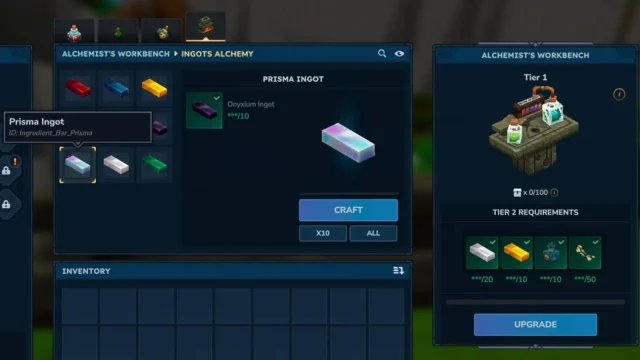
It detects which PJ mods and packs you have installed and includes the PJMods Bench, a crafting bench for the content of those mods, with tabs for chests, pickaxes, armor, generators, ingots and miscellaneous, plus upgrades that reduce crafting time. It also lets you set in-game how much information it writes to the log, which is handy for servers and for reporting bugs.
Version
Version 1.2.0 (September 30, 2026) adds a stats manager for other mods. Whenever you update any PJ mod, update CoreLib too: they’re usually released together.
This page has been checked with Hytale 0.6 (Update 6). With Update 7 (0.7), released October 12, 2026, the author has already published a compatible file: version 1.2.1 (October 12, 2026).
User rating
Highlights and things to keep in mind
- A single library for the whole PJ ecosystem
- Shared crafting bench with upgrades
- Lightweight and frequently updated
- On its own it adds almost nothing
- All Rights Reserved license
- Update 7 (0.7) already has a compatible file from the author (October 12, 2026)
Requirements
- Hytale (Early Access) on PC or server, version 0.7 (file PJ-CoreLib-1.2.1.jar)
- No dependencies
- One or more PJ mods, such as PJ Money or Mob Events
How to install it
- Open the PJ CoreLib page on CurseForge and click Install to install it with the CurseForge app, or download PJ-CoreLib-1.2.1.jar from the Files tab (the file tagged 0.7). If you install a mod that needs it from the app, it downloads automatically.
- If you download it manually, copy the file as is, without unzipping it, into your mods folder: on Windows, %APPDATA%\Hytale\UserData\Mods.
- Also install the mod that requires it, for example PJ Money or Mob Events.
- Open Hytale, right-click the world, tick PJ CoreLib and the mod that uses it in the mod list, and save the world settings.
- On a dedicated server, put the files in the server's mods folder and restart it.
Version history
-
1.2.112 Oct 2026Current
File for Hytale 0.7 (Update 7)
-
1.2.030 Sep 2026
Stats manager for other mods
-
1.1.827 Aug 2026
First version tagged for Hytale 0.6
Common problems
What happens if I install a PJ mod without CoreLib?
The author states that CoreLib has to be installed and enabled for the other PJ mods to work as intended.
What is the PJMods Bench?
A shared crafting bench for the content of PJ mods, with tabs by item type and upgrades that shorten crafting time.
Do I have to update it every time?
It's recommended: PJ mods are updated often and each version may rely on new CoreLib features, such as the stats manager in 1.2.0.
Mods that need PJ CoreLib
If you're installing any of these, you need this one first.
 Multiplayer
  Multiplayer
  Multiplayer
  Multiplayer
  Multiplayer
  Multiplayer
 More mods for Hytale
 Multiplayer
  Multiplayer
  Multiplayer
  Multiplayer
  Multiplayer
  Multiplayer