Top Bar for ATS 1.61 for American Truck Simulator
A compact top bar for the ATS 1.61 HUD: smaller elements, info moved to the center, no map and smaller mirrors. Free on Steam Workshop.
Download Top Bar for ATS 1.61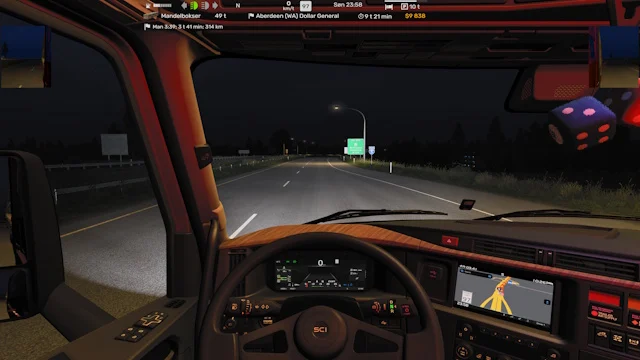
More screenshots on Steam Workshop ↗
What this mod does
Top Bar for ATS 1.61 is the «top» version of Marc‘s HUD. It shrinks the elements and moves much of the information to the top center of the screen, leaving your view of the road clear.
What changes
- Compact top bar with the main trip info.
- Smaller elements than the stock ones.
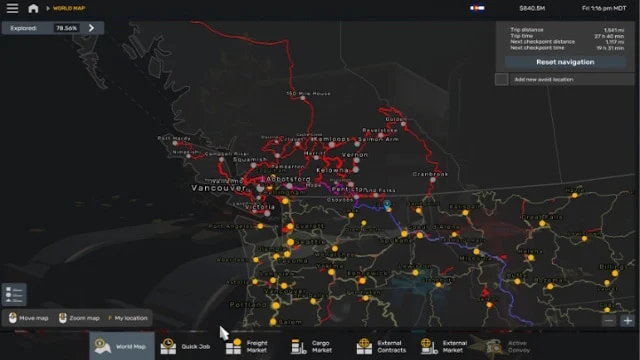
- No map in this version.
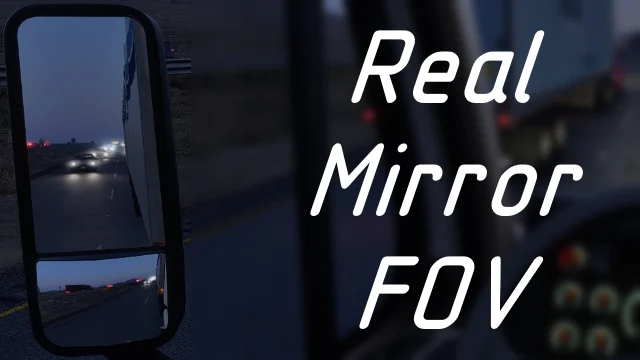
- Smaller mirrors.
Version
It’s updated for 1.61, with an update from September 18, 2026. Several users confirm it works after the game update; one who was still on 1.60 saw two purple rectangles in the top-left corner, which go away once you move to 1.61. The author designed it on a 3840×2400 laptop, so check how it looks at your resolution.
Known issues
With this mod and the Small Mirrors For Top Bar add-on, the right mirror doesn’t show up on the four-door Ford Bronco 2024 Badlands from the Road Trip DLC, according to two users. If you drive that vehicle, try it without the small mirrors.
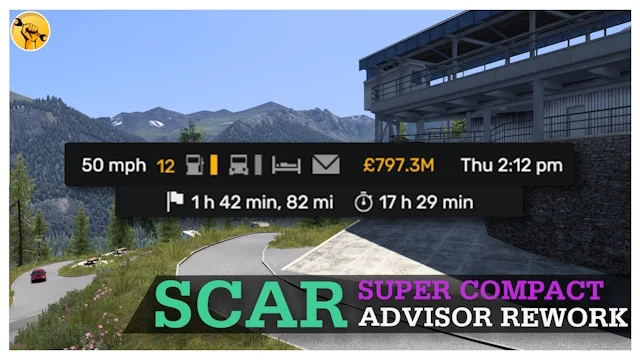
The author complains in the comments that SCS changes the HUD often, which forces mods like this to be redone every version. If you prefer the info at the bottom, he also has Bottom Bar for ATS 1.61, and if you want something even more minimal, check out SCAR.
Holyfix Check
Will it work with your mods?
Load your game.log.txt and check whether this mod is for your ATS version, whether you're missing a mod or DLC it needs and where to place it.
It's in Documents › American Truck Simulator › game.log.txt. It's read in your browser: the file is never uploaded.
Something else failing? Holyfix for ATS checks all your mods at once.
User rating
Highlights and things to keep in mind
- Compact HUD that clears your view
- Updated for 1.61
- Tiny file (82 KB)
- No on-screen map
- Right mirror bug on the Road Trip Ford Bronco with the small mirrors
- Designed at 3840x2400
Requirements
- American Truck Simulator 1.61
- Steam account
- No DLC or additional mods
How to install it
- Open the "TOP BAR FOR ATS 1.61" page on Steam Workshop and click "Subscribe".
- Launch American Truck Simulator and wait for Steam to finish downloading the mod.
- Go to your profile's Mod Manager and enable "TOP BAR FOR ATS 1.61".
- Disable other HUD mods, such as Bottom Bar by the same author.
- Check in your save that the bar appears at the top.
Version history
-
18 Sep 2026Current
Updated for 1.61 (6 change notes)
Common problems
Does it have a map?
No, the author removed it in this version.
Does it work on 1.60?
It's updated for 1.61; on 1.60 purple boxes appear in the top-left corner.
Why can't I see the right mirror on the Ford Bronco?
It's a reported bug with Small Mirrors For Top Bar on that Road Trip vehicle.
More mods for ATS
 ✓ ATS 1.61
  ATS 1.59
  ✓ ATS 1.61
  ✓ ATS 1.61
  ✓ ATS 1.61
  ✓ ATS 1.61