Integrated Minecarts for Stardew Valley
More minecart stops (Community Center, forest, desert, farm, Ginger Island and more) plus an improved menu that brings in other mods' minecarts.
Download Integrated Minecarts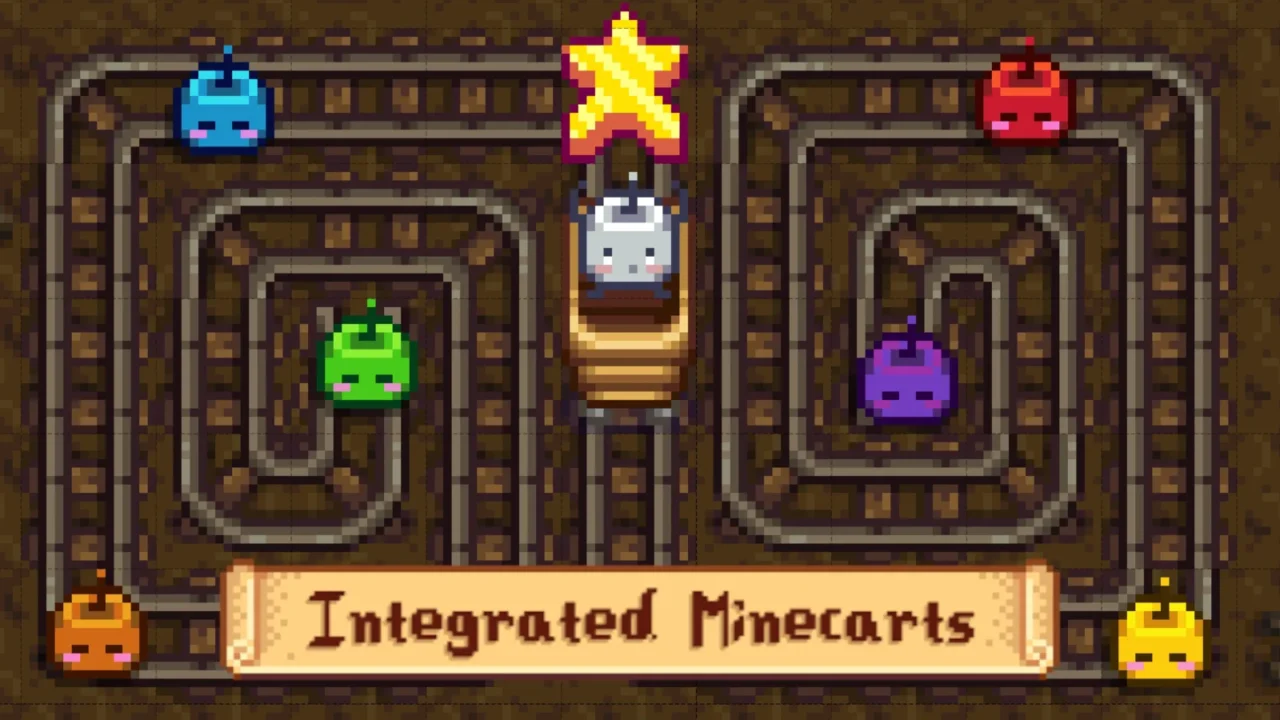
More screenshots on Nexus Mods ↗
What this mod does
Integrated Minecarts, by Jibblestein, expands the game’s minecart network and improves its menu. Besides adding stops, it brings the minecarts from many popular mods into the same network so you can travel all over the valley from a single menu.
What it adds
- New stops: Community Center, two spots in the forest, the Railroad, the Secret Woods, the desert, the farm and three on Ginger Island.
- Extra stops with Stardew Valley Expanded and compatibility with Ridgeside Village, East Scarp, Visit Mount Vapius and many custom farms.
- Configurable number of destinations per page, fixed page buttons and an option to put them at the top for controller play.
- Since 4.6.0, up to six custom minecarts on any map you like.
Requirements and compatibility
It requires SMAPI and Content Patcher, and Generic Mod Config Menu is recommended for the destination order, the travel fare or the separate island network. Version 4.6.0 (March 15, 2026, 116 KB) requires Stardew Valley 1.6.15 or later. You need to visit each map once, after repairing the minecarts, for it to show up in the menu.
It works in online multiplayer. It includes a Spanish translation. If you’re coming from 4.5.6 or earlier, delete or reset config.json.
User rating
Highlights and things to keep in mind
- Lots of new stops and a handier menu
- Brings minecarts from many mods into a single network
- Highly configurable, with custom stops
- Includes Spanish and works in multiplayer
- Requires 1.6.15 or later
- Harmless yellow warnings in the console for locked stops
- You have to delete the config when updating from old versions
Requirements
- Stardew Valley 1.6.15 or later (PC)
- SMAPI 4.x
- Content Patcher
- Recommended: Generic Mod Config Menu
- The minecarts repaired in your save
How to install it
- Install SMAPI and Content Patcher first (see their mod pages) and launch the game once with SMAPI to check that everything loads.
- Open the Integrated Minecarts page on Nexus Mods, go to the Files tab and click Manual download on the main file (Integrated Minecarts for SDV 1.6.15 4.6.0; there's a version without PolyCarts among the optional files). You need a free Nexus account to download.
- If you're updating from 4.5.6 or earlier, delete the old version's config.json.
- Unzip the .zip outside the game folder and move the resulting folder into the Mods folder, inside the game folder.
- In Generic Mod Config Menu, choose which stops you want and in what order; remember to visit each map once so it shows up in the menu.
Version history
-
4.6.015 Mar 2026Current
Six custom minecarts and page buttons at the top
-
4.5.1614 Nov 2025
Specific tweaks for Frontier Farm
-
4.5.1511 Nov 2025
Compatibility with East Scarp Remastered
Common problems
Why isn't a new stop showing up?
You need to repair the minecarts and visit that map at least once.
Is it compatible with Stardew Valley Expanded?
Yes. It adds its own stops for SVE and accounts for its map.
Does it work in multiplayer?
Yes, the author has tested it in online multiplayer.
More mods for Stardew Valley
 ✓ Stardew Valley 1.6
  ✓ Stardew Valley 1.6
  ✓ Stardew Valley 1.6
  ✓ Stardew Valley 1.6
  ✓ Stardew Valley 1.6Multiplayer
  ✓ Stardew Valley 1.6