
ETS2 tools and utility mods
 ✓ ETS2 1.61
  ✓ ETS2 1.61
 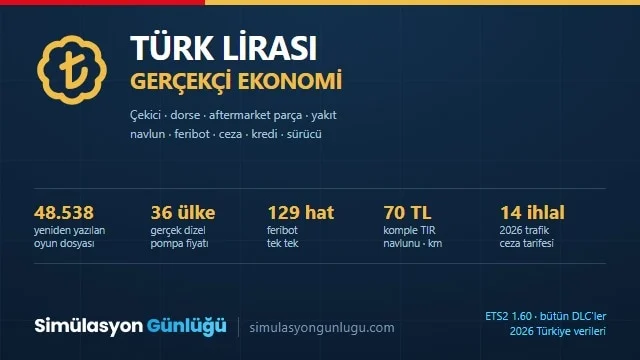 ETS2 1.60
  ETS2 1.59
  ✓ ETS2 1.61
 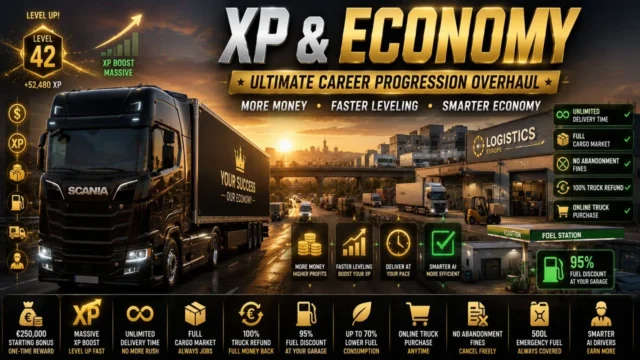 ✓ ETS2 1.61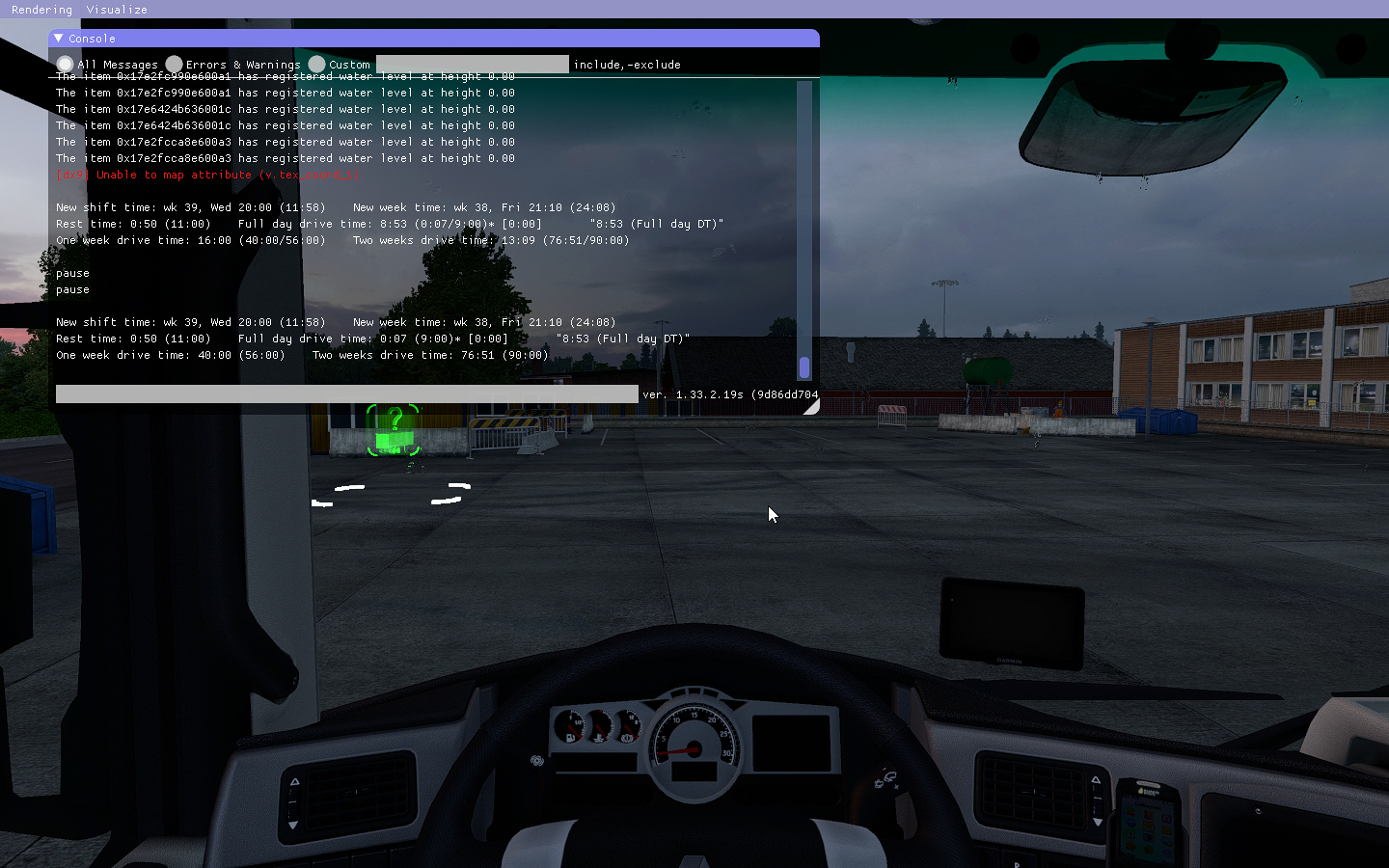
 ✓ ETS2 1.61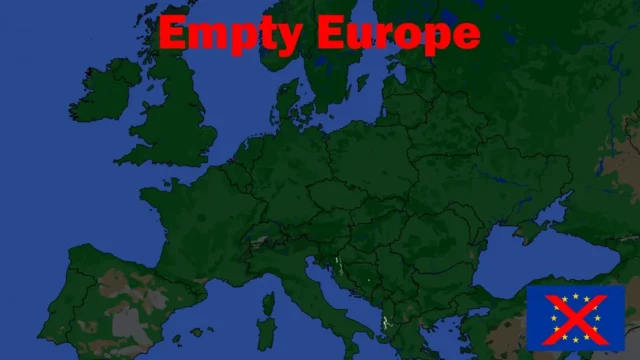
 ETS2 1.60
  ✓ ETS2 1.61
  ETS2 1.58
  ✓ ETS2 1.61
  ✓ ETS2 1.61
  ✓ ETS2 1.61
 Here are 16 mods for tools in Euro Truck Simulator 2: mods that change the economy, loans, currency or the trucks used in quick jobs, and external programs like a GPS for your phone, a tachograph or a job planner. Most are free and marked for 1.61, the current version; 1.62 is still in open beta. Each mod page links to the author's official download.
The best ETS2 tools to start with
- Real life currency exchange ratio: play in Mexican, Argentine, Chilean or Colombian pesos, in reais or in soles, with the real exchange rate updated every Monday. Free and very lightweight.
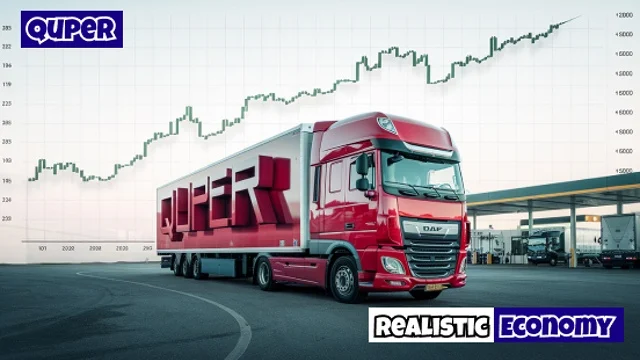
- Realistic Economy ETS2: Quper's economy, with freight rates, level-based loans, fines, tolls and diesel at market prices. You start with €0; for 1.50 to 1.61.
- RAGNAROK Economy: pay based on level, skills and job type, rare premium cargoes and reworked wear. Version 1.2.2 for 1.61, compatible with ProMods 2.84.
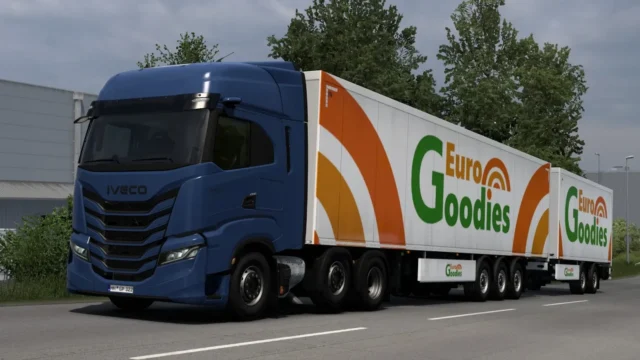
- Quick Job Truck Improvements: no more 4x2s hauling heavy loads in quick jobs, with new 6x4 and 8x4 configurations. Version 26.09 for 1.58 to 1.61.
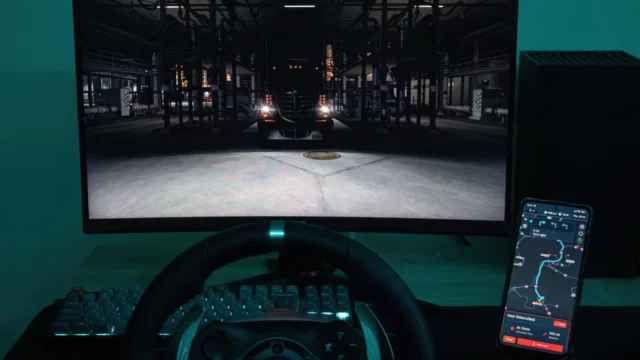
- TruckNav: an external, open-source GPS navigator that follows your truck on your phone, tablet or a second monitor. Version 0.5.1, compatible with 1.61 and ProMods.
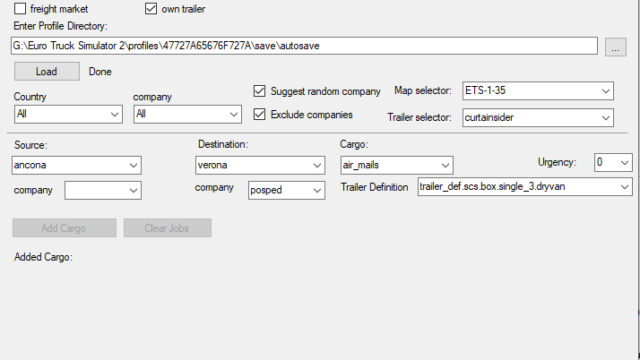
- Virtual Speditor: a free program for choosing your own jobs (origin, destination and cargo). Version 2.19 for 1.61.
- Simple Tachograph: an external tachograph that tracks driving and rest times and warns you before you go over. Version 1.8.3, free.
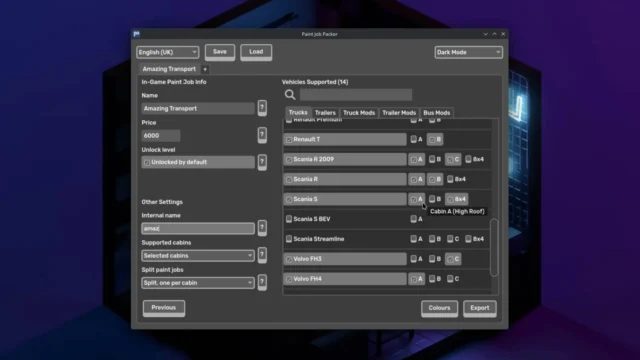
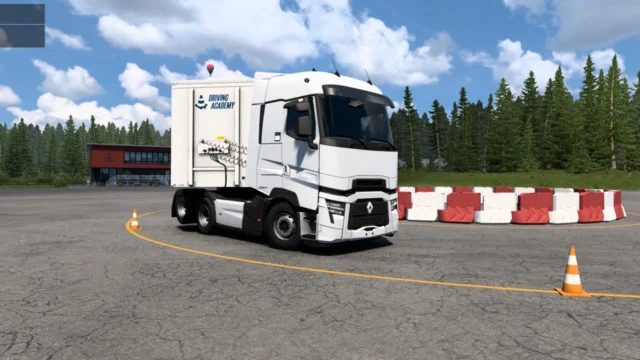
- Paint Job Packer: create paint job mods for ETS2 and ATS without editing files by hand; for Windows, macOS and Linux.
Mod or program: what you need
- External programs: TruckNav, Virtual Speditor, Simple Tachograph and Paint Job Packer run outside the game. Follow the instructions on their mod page; the Mod Manager alone isn't enough.
- Only one economy: Realistic Economy, RAGNAROK, Real Economy Reloaded and XP & Economy Rebalance change the same values. If you activate two, the one higher up in the Mod Manager wins.
- Backup: Virtual Speditor rewrites the freight market offers inside your save. Back up your profile before using it.
- Standalone maps: Empty Europe empties every sector of Europe so you can play only on a standalone map or work in the editor.
- Installing mods: subscribe on Steam Workshop or copy the .scs to DocumentsEuro Truck Simulator 2mod and activate it in the Mod Manager of each profile.
If you're after quick money without mods, see the guide to money cheats in Euro Truck Simulator 2. For a more demanding game, the one on realistic mods for ETS2, and if you're just starting, how to install mods in ETS2.
Frequently asked questions
How do I switch ETS2 to Mexican pesos?
With Real life currency exchange ratio: it changes the currency to Mexican, Argentine, Chilean or Colombian pesos, reais or soles, with the real exchange rate updated every Monday. It's free.
Which realistic economy mod should I choose?
Quper's Realistic Economy if you want to start with €0 and market prices; RAGNAROK Economy if you play with ProMods 2.84. For the opposite, XP & Economy Rebalance gives you €250,000 when you create your profile.
Is there a phone GPS for ETS2?
Yes, TruckNav: an external, open-source navigator that follows your truck on your phone, tablet or a second monitor, with multi-stop routes. Version 0.5.1, compatible with 1.61.
Can I choose my own jobs?
Yes, with Virtual Speditor, which rewrites freight market offers in your save so you can choose origin, destination and cargo. Back up your profile before using it.
- ETS2 1.62: what’s new, release date and mod support→
- ProMods vs official ETS2 DLC: what you need and when→
- ETS2 vs ATS: differences and which to buy in 2026→
- ETS2 file size: how many GB with DLC and mods→
- Latin America maps for ETS2: Argentina, Peru and Mexico→
- ETS2 realistic mods: physics, weather, sound, traffic (1.61)→
- How to install ProMods in Euro Truck Simulator 2→
- Best ETS2 maps for 1.61: top picks and compatibility→