BeamNG tool mods





 Multiplayer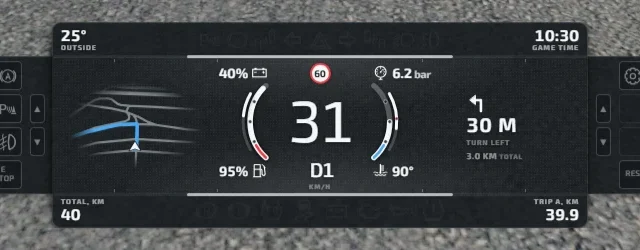
Here are 29 mods with tools for BeamNG.drive: UI apps, speedometers, cameras, extra controls, the BeamMP multiplayer and utilities for traffic, damage or lighting. They're all free and each mod page links to the official Repository, the BeamNG forum or the project's website. 0.40 came out on October 19, 2026: for now only Reset State Keeper declares that version, and most still list 0.39. The mod pages show the latest version each author states, with no embellishment.
The best BeamNG tools to start with
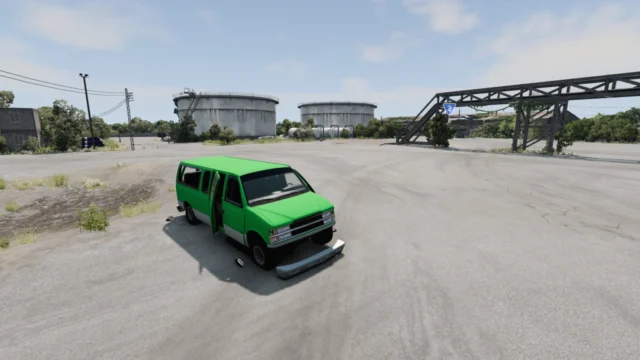
- BeamMP: the online multiplayer for BeamNG.drive, with its own launcher and automatic download of each server's mods. Made for 0.39.4.
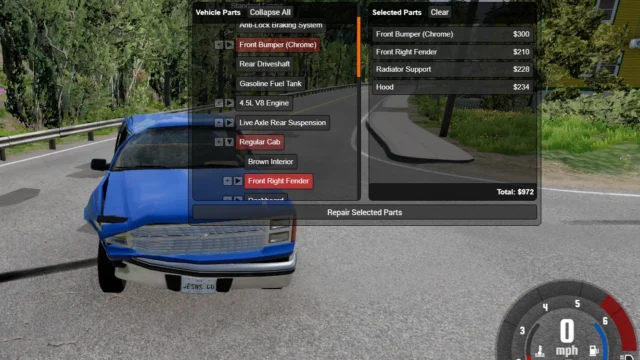
- Individual Part Repair Menu: repair individual parts instead of the whole car and keep damage between sessions. Compatible with Career mode.
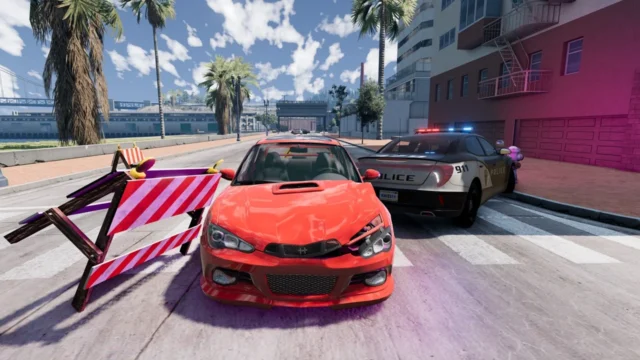
- Traffic Flow and Density Lab: up to 200 traffic cars, a police percentage and lightweight profiles. Tested on 0.39.4.
- Temporal Anti Aliasing: adds TAA for a sharper, more stable image; a user confirms it works on 0.40.
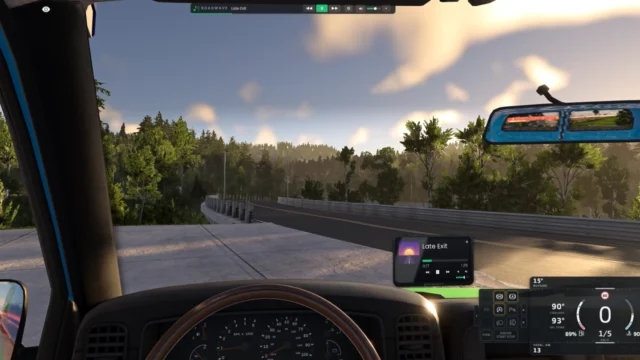
- Enhanced Interior Camera: the cockpit camera reacts to G-forces and impacts, with presets for virtual reality.
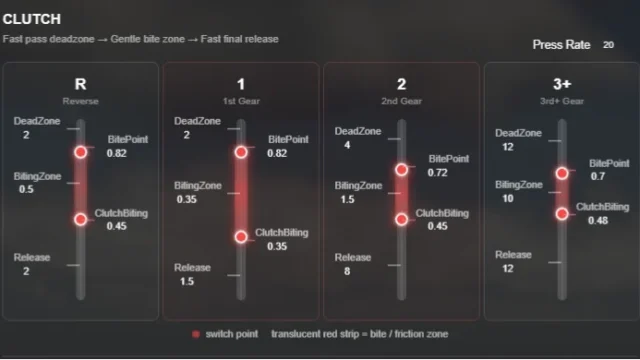
- Advanced Pedal Button Input: progressive throttle, brake and clutch with the keyboard or controller buttons.
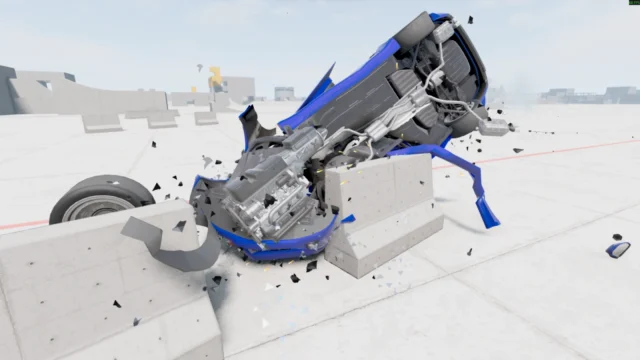
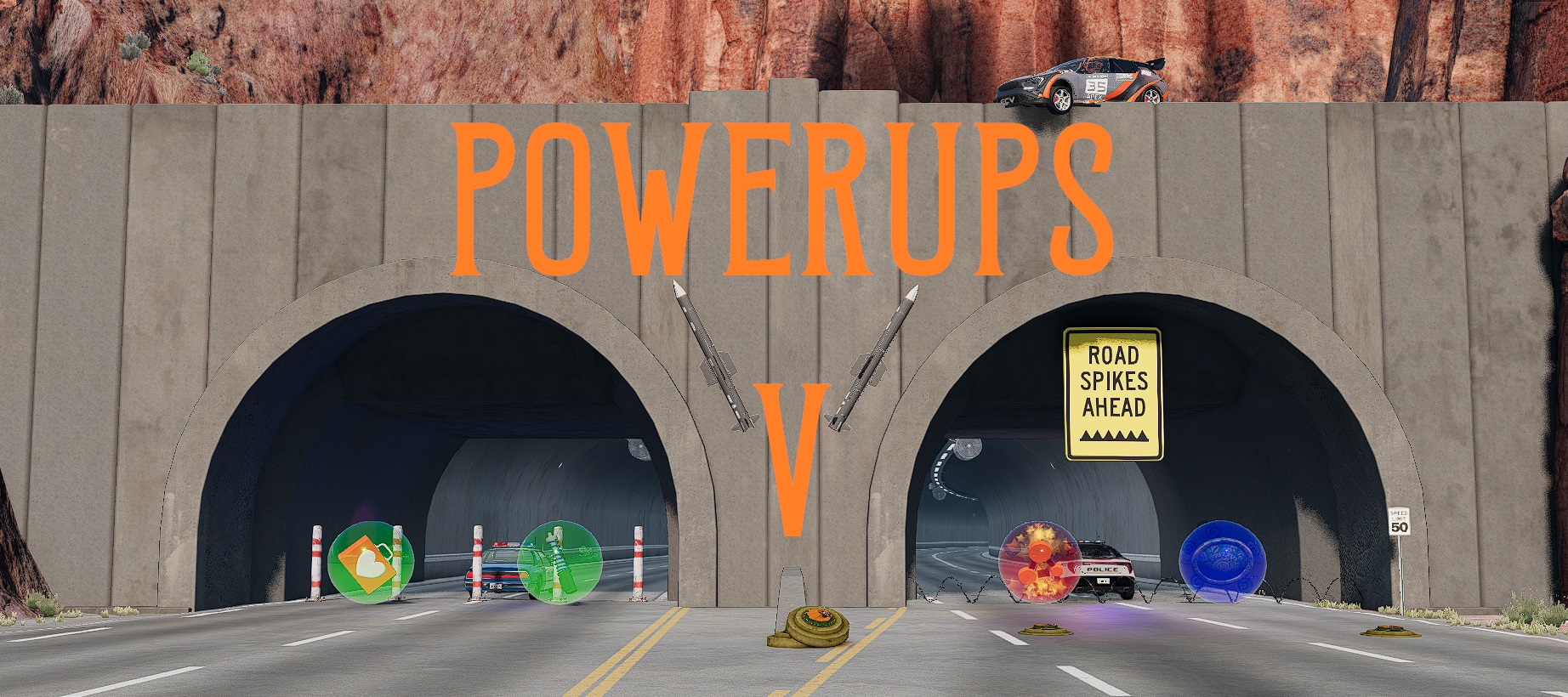
- Dynamic Damage Particles: glass, bolts and chunks of bodywork that stay on the road after a crash.
What to keep in mind
- UI apps and 0.40: 0.40 removed the v-bng-panel directive, so some older apps may not show up until their author updates them.
- Where they appear: almost all of them are added from the UI editor (UI Apps) in freeroam; others, like Radial Blur, are configured in the Mods menu.
- BeamMP: you need a legal, up-to-date copy of the game; if the server uses mods, BeamMP downloads them on its own.
- Less is more: BeamNG doesn't recommend having more than 20 or 30 mods active at once. If something breaks, try Safe Mode and clear the cache.
For the step-by-step installation and troubleshooting, read how to install mods in BeamNG.drive. If you want a general selection, there are the best BeamNG.drive mods, and if you're after missions and game modes, stop by the gameplay mods.
Frequently asked questions
Which BeamNG.drive tools should you install first?
BeamMP if you want to play online, Individual Part Repair Menu to repair individual parts and Traffic Flow and Density Lab to control traffic. They're all free.
Do apps work in BeamNG.drive 0.40?
Many do, but 0.40 removed the v-bng-panel directive and some older apps may not show up. Almost all the mod pages still list 0.39, which is the latest their authors declare.
How do you play BeamNG.drive online?
With BeamMP, a free mod with its own launcher and server browser. You need a legal, up-to-date copy of the game.
Where do you enable BeamNG.drive apps?
In freeroam, from the UI editor (UI Apps). Some tools are configured in the Mods menu or with their own key, as each mod page explains.
- BeamNG mods not working or game crashing: fixes→
- BeamNG.drive on Steam Deck: performance and mods→
- BeamNG vs Assetto Corsa: differences and which to pick→
- BeamNG.drive multiplayer: BeamMP and split-screen (0.40)→
- BeamNG.drive size: GB on PC and PS5, and with mods→
- Best BeamNG.drive maps: 20 mod maps by type→
- Best BeamNG.drive mods (2026): cars, maps and apps→
- BeamNG.drive on PS4, Xbox and Switch: can you play it?→