Stardew Valley mods
Stardew Valley mods for 1.6: SMAPI, expansions, interface improvements, gameplay and graphics, with requirements and a link to the official download.
 ✓ Stardew Valley 1.6
  ✓ Stardew Valley 1.6
 ✓ Stardew Valley 1.6
  ✓ Stardew Valley 1.6Multiplayer
 ✓ Stardew Valley 1.6Multiplayer
  ✓ Stardew Valley 1.6Multiplayer
 ✓ Stardew Valley 1.6Multiplayer
  ✓ Stardew Valley 1.6Multiplayer
  ✓ Stardew Valley 1.6Multiplayer
  ✓ Stardew Valley 1.6
  ✓ Stardew Valley 1.6Multiplayer
  ✓ Stardew Valley 1.6Multiplayer
  ✓ Stardew Valley 1.6
  ✓ Stardew Valley 1.6
  ✓ Stardew Valley 1.6
  ✓ Stardew Valley 1.6Multiplayer
  ✓ Stardew Valley 1.6
  ✓ Stardew Valley 1.6
 New in Stardew Valley
Mods new on Holymod or updated by their authors in the last 14 days.
 ✓ Stardew Valley 1.6Multiplayer
  ✓ Stardew Valley 1.6Multiplayer
  ✓ Stardew Valley 1.6Multiplayer
  ✓ Stardew Valley 1.6Multiplayer
  ✓ Stardew Valley 1.6Multiplayer
  ✓ Stardew Valley 1.6Multiplayer
  ✓ Stardew Valley 1.6Multiplayer
  ✓ Stardew Valley 1.6Multiplayer
 Here are 208 mods for Stardew Valley, each one hand-picked: the frameworks almost every other mod needs, expansions with new towns and characters, interface improvements and mods that automate the work on your farm. Each mod page explains what the mod does, which other mods it needs and whether it works in multiplayer or on Android, and links only to its official download, almost always Nexus Mods. All of them are checked against the current PC version of the game, 1.6.15 (as of October 2026), and run with SMAPI, the mod loader. If you only want what works with the latest version, check out the list of mods for Stardew Valley 1.6.
Types of Stardew Valley mods
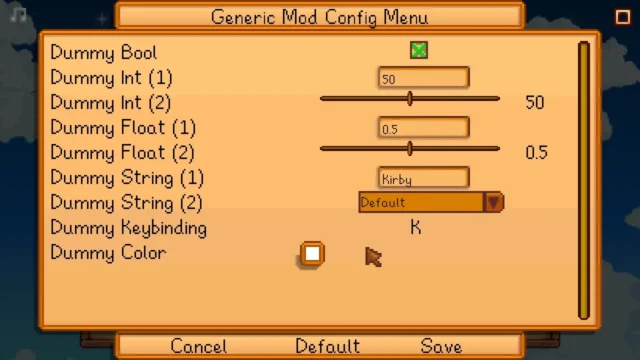
- Frameworks: SMAPI, Content Patcher, Generic Mod Config Menu, SpaceCore or Farm Type Manager. They don't change the game on their own, but without them most mods won't load.
- Expansions: new content on a big scale, with areas, villagers, events, quests and festivals, like Stardew Valley Expanded, Ridgeside Village or East Scarp.
- Interface: quality of life and info the game doesn't show you, like favorite gifts, sell prices, NPCs on the map, experience bars or a more convenient crafting menu.
- Gameplay: mechanics that change how you work your farm, like machines connected to chests or a tractor for farming large fields.
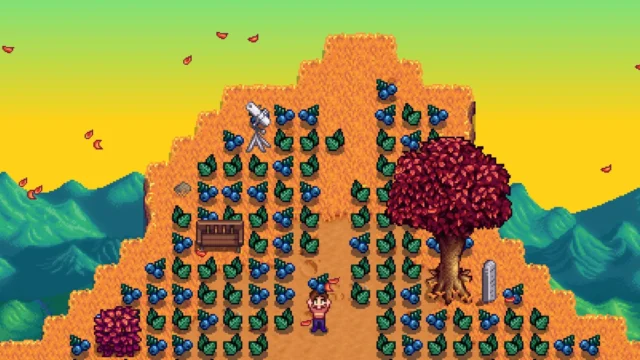
- Graphics: seasonal building retextures, valley recolors like Earthy or Vibrant Pastoral, cuter animals and new portraits for the villagers. Many rely on Alternative Textures or Content Patcher.
- Characters: new villagers, romances, dialogue and events, livelier spouses and children who grow up, like Canon-Friendly Dialogue Expansion or Unique Children.
- Decor: furniture, clothing, hairstyles and accessories for your farmer and your house, almost always with Fashion Sense or Furniture Framework.
Featured Stardew Valley mods: where to start
If this is your first modded save, these are some of the most useful and popular ones, and they're all free:
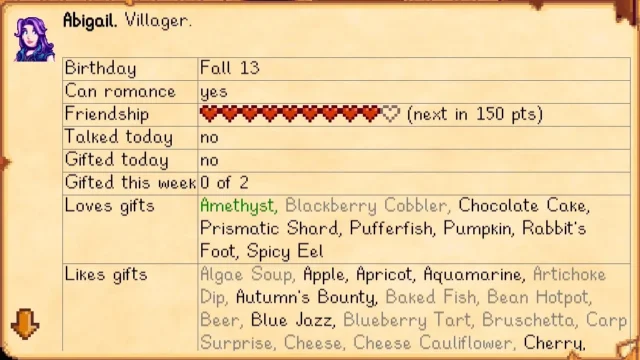
- Lookup Anything: press F1 over anything to see hidden info, like the gifts each villager likes or when a crop will be ready.
- Chests Anywhere: open your chests, the fridge or the shipping bin from anywhere, without heading home to grab materials.
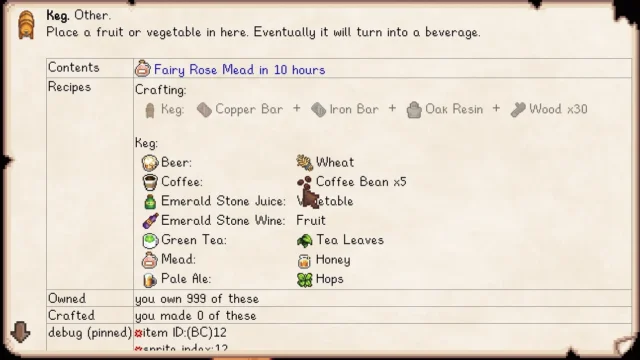
- Automate: place a chest next to kegs, jars or furnaces and the machines pull ingredients from it and drop what they produce there.
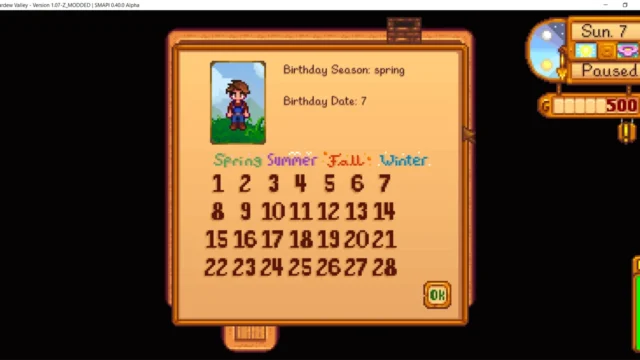
- NPC Map Locations: shows where every villager is on the map in real time and marks whose birthday it is that day.
- UI Info Suite 2: the day's luck, tomorrow's weather, sprinkler range and other info, each one toggled separately.
- Tractor Mod: buy a garage with a tractor from Robin and work the land by area when your farm gets too big.
- Stardew Valley Expanded: the most popular expansion, with 28 new NPCs, 278 events and 58 locations. The author recommends starting a new save.
- Ridgeside Village: a new town with over 50 NPCs, marriage candidates, shops and festivals, with a mode for adding it to an existing save.
You'll find more ideas, starter packs and combinations that work well together in our pick of the best Stardew Valley mods.
How to install Stardew Valley mods
- Launch the game once without mods and check that you have 1.6.14 or later.
- Install SMAPI: unzip the file outside the game folder and run the installer for your system. On Steam for Windows, paste the line the installer gives you into the launch options.
- Copy each mod into the Mods folder, inside the game folder: one subfolder per mod, with its manifest.json file.
- Add the dependencies: many mods need Content Patcher or other frameworks. We list them on each mod page.
- Launch the game with SMAPI and check its console to make sure everything loaded without errors.
The full process for Windows, Mac, Linux and Steam Deck, with the Mods folder paths and the most common errors, is in the guide how to install mods in Stardew Valley.
Mods in multiplayer, on mobile and on consoles
In multiplayer each player can have their own mods, but the ones that add items, areas or NPCs must be installed by everyone, in the same version. Interface mods, on the other hand, only affect whoever installs them. With expansions like Stardew Valley Expanded or Ridgeside Village, the safest bet is for everyone to use exactly the same mods and versions. We explain it mod by mod in the guide to Stardew Valley mods in multiplayer.
On mobile, the official SMAPI doesn't work on Android. There's an unofficial port, SMAPI for Android, which the game's wiki considers experimental: many mods work, but not all. There are no mods on iPhone and iPad, nor on Nintendo Switch, PS4, PS Vita or Xbox One. The details and alternatives are in the guide to Stardew Valley mods on Android and consoles.
How we choose mods
We only add mods published by their author on their official page, and we always link to that page, never to reuploads: many expansion authors forbid reuploading their mods. We check that they work with version 1.6 of the game and with SMAPI 4, we list on each mod page its dependencies, how it behaves in multiplayer and whether it has a Spanish translation, and we leave out cheat menus and abandoned mods that don't work on 1.6. Game updates can break mods until their authors update them, so before updating, check the version we list on each mod page.
Frequently asked questions about Stardew Valley mods
What do I need to use mods in Stardew Valley?
SMAPI, the mod loader, and version 1.6.14 or later of the game on PC (Windows, Mac or Linux) or Steam Deck. After that, just copy each mod into the Mods folder and add its dependencies, like Content Patcher.
Where do you download Stardew Valley mods?
Most are published on Nexus Mods, which requires a free account to download. Some are also on CurseForge or GitHub. Every Holymod mod page links to the author's official page.
Can you use Stardew Valley mods on Android?
Only with SMAPI for Android, an unofficial port that the game's wiki considers experimental. It needs 1.6.15.1 or later and a 64-bit system, and not all mods work.
Are there Stardew Valley mods for Switch, PS4 or iPhone?
No. Nintendo Switch, PS4, PS Vita, Xbox One and iOS don't support mods. On Xbox, you can only use them in the PC version from the Xbox app or Game Pass.
Do mods work in multiplayer?
Yes. Mods that add items, areas or NPCs must be installed by all players in the same version, while interface mods are only needed by whoever wants to use them. With expansions, the safest bet is for everyone to have the same mods.
Are Stardew Valley mods available in Spanish?
Many are: the ones that support translation use an es.json file and switch automatically to the game's language. The big expansions don't include Spanish out of the box, but they have community translations you install separately.
- Stardew Valley Expanded vs Ridgeside Village: which to get→
- Is Stardew Valley free? Price on Steam, console and mobile→
- Stardew Valley PC requirements: minimum specs, Mac and mods→
- Stardew Valley file size: GB on PC, Switch, mobile and mods→
- Stardew Valley romance mods: marriage, spouses and kids→
- Stardew Valley clothing and portrait mods: hair and more→
- Stardew Valley graphics mods: retextures and recolors→
- Stardew Valley SMAPI errors: causes and fixes→